


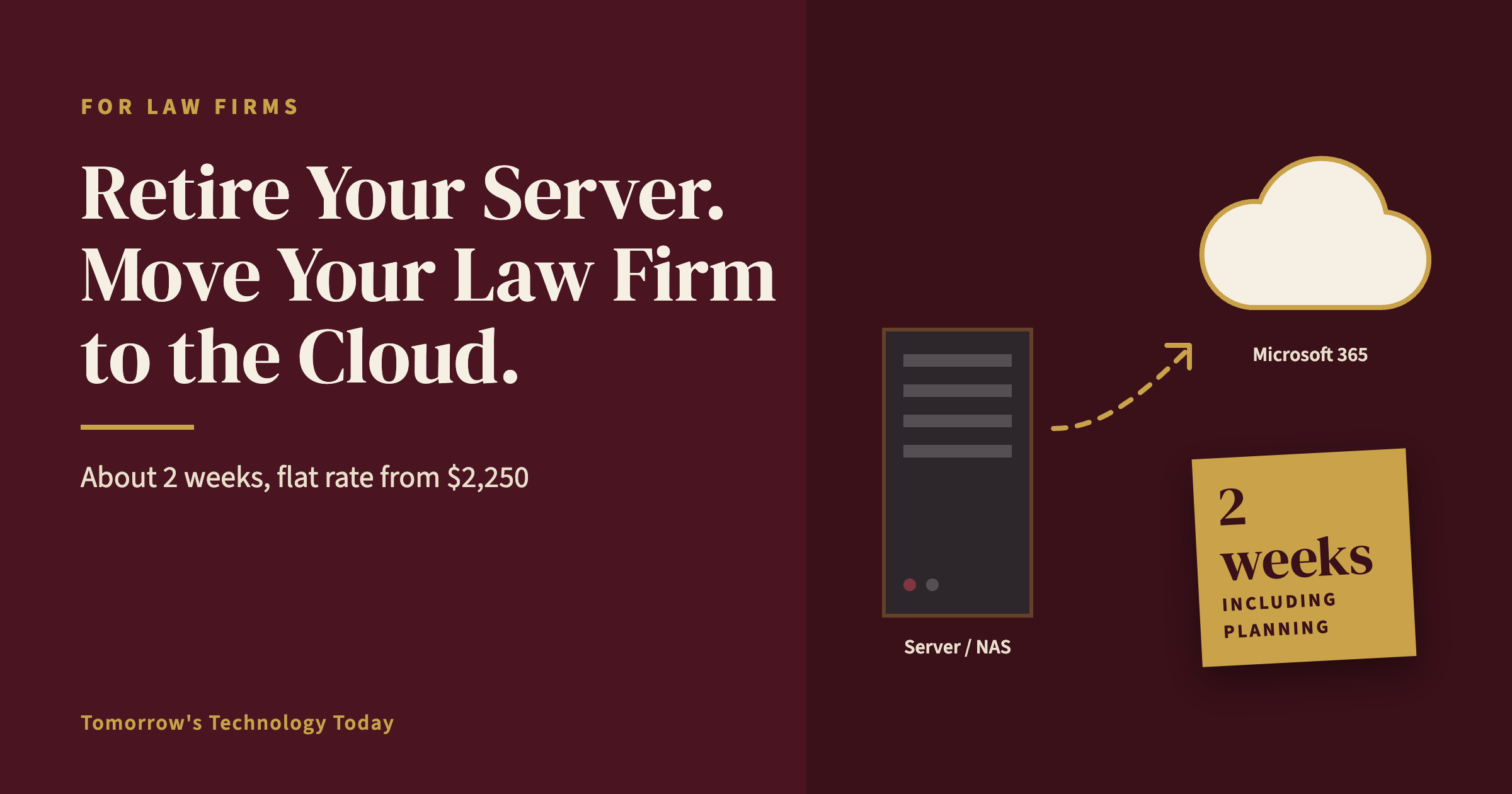
Yes. For a small law firm, moving data off an office server or NAS (network-attached storage) takes about 2 weeks, including planning. Tomorrow's Technology Today quotes the migration as a flat-rate project from $2,250 to $6,000, depending on the firm's size and how complex the move is. There's no hourly meter running.
After the move, ongoing managed IT costs $200 to $350 per user per month, with our Gold plan starting at $200:
- 5-person firm: $1,000 to $1,750 per month
- 12-person firm: $2,400 to $4,200 per month
- 25-person firm: $5,000 to $8,750 per month
We've helped law firms power off their on-site servers and storage devices and move their files to the cloud, so attorneys can open client files from the office, from home, or from the courthouse. Here's how to tell whether your firm is ready, and what the move involves.
Is Your Firm Ready to Go Serverless? A 5-Question Check
- Does your practice management or document management software offer a cloud-hosted version, or work from cloud storage?
- Does any application still require a local server? Older billing systems, desktop accounting software, and scanning software are the usual suspects.
- Is your office internet fast and reliable enough to work from the cloud all day?
- How old is your server or NAS, and when does its warranty or hardware support end?
- How are client files organized today: by client and matter, or scattered across personal folders and desktops?
If the answer to number 5 is "scattered," that's not a reason to wait. Reorganizing files is part of the project.
What Moves Where
- Shared client files move to Microsoft 365 (SharePoint and OneDrive), organized by client and matter, with access set by matter.
- User logins move to Microsoft Entra ID, Microsoft's cloud sign-in system, so there's no server needed to sign in.
- Practice management and billing software moves to the vendor's cloud version or a hosted option. We work directly with your software vendor's tech support, and the first hour of vendor support is included.
- Backups move to Microsoft 365 backup, captured twice a day. Each capture is kept for 90 days, and a month-end copy is kept indefinitely after that.
The 6-Step Migration Plan
- Discovery. We audit your current environment and document it to our own standard.
- Plan. We design the folder structure and decide who can access which client matters.
- Pilot. One attorney and one staff member work in the new setup first.
- Migrate and cut over on a set date, so everyone switches at once.
- Verify. We restore-test the new backups to prove they work.
- Retire the old hardware. The server or NAS is wiped securely and taken out of service.
Keeping Client Confidences Safe Once Files Leave the Office
"Secure cloud storage" is a phrase every provider uses. Here's what it means in practice for a firm we support:
- Multi-factor sign-in for every user
- Access restricted by client matter, not one shared drive everyone can see
- Immediate access removal when an employee leaves
- Microsoft 365 configured to a security baseline that's updated twice a year
- A full restore test of every backup every other week, with screenshot proof
This matters because Ohio Rule of Professional Conduct 1.6(c) requires lawyers to make reasonable efforts to prevent unauthorized access to client information, wherever that information is stored. Backup testing is the step most firms skip; here's why restore testing matters.
Costs That Go Away, and Costs That Stay
Typically eliminated: the next server or NAS replacement, separate backup hardware for that device, and the time spent maintaining it.
Stays the same: per-user managed IT support and Microsoft 365 licensing, which most firms already pay for.
A Real Client Example: A 3-Person Law Office
The problem: A 3-person law office in West Central Ohio had client files spread across devices, nothing reachable outside the office, and everything stored on an aging NAS.
The solution: We consolidated the firm's files into organized cloud storage and set up secure remote access.
The result: The NAS was retired. The firm's data is protected in immutable backup, meaning backup copies that can't be altered or deleted, even by ransomware. Attorneys can now reach client files from anywhere.
Why Law Firms Trust Tomorrow's Technology Today With This Move
- 12+ years moving businesses from on-site email and file servers to Microsoft 365
- A dedicated project manager for every onboarding through our Great Start program
- A security baseline developed with a network of former Microsoft engineers and updated twice a year
- Microsoft Partner; more than 20 years in business; woman-owned; headquartered in St. Henry, Ohio, serving firms across Northwest Ohio and Northeast Indiana
See how we support law firms across Ohio and Indiana.
Ready to retire your server? Book a 10-minute discovery call. Call us at (419) 678-2083 or visit www.TomTechToday.com/discoverycall to schedule yours.