


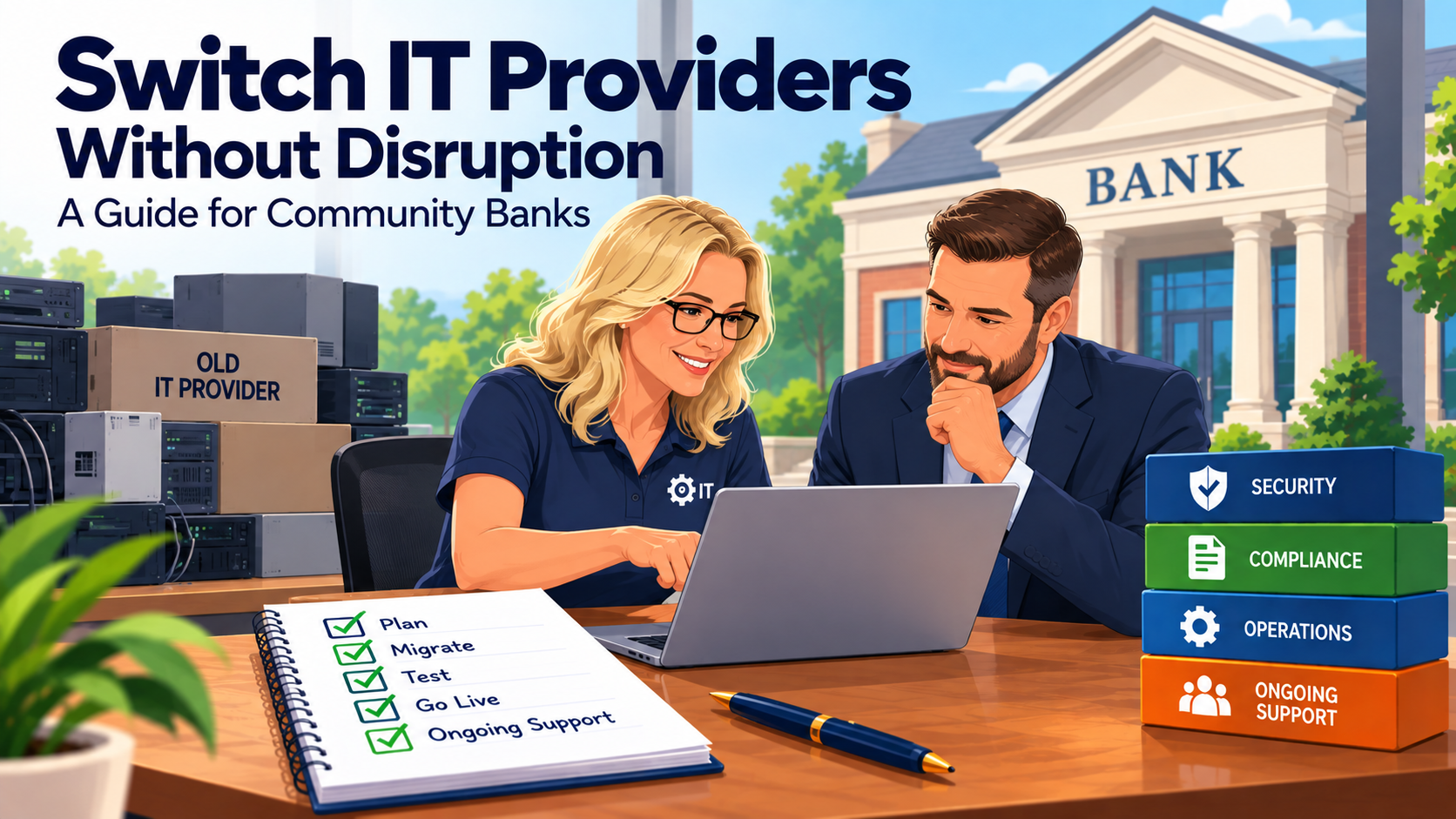
To switch IT providers at a community bank without disrupting operations or creating compliance risk, start with a communication plan, follow a documented onboarding process, verify the environment instead of trusting old documentation, and set up recurring compliance reporting before go-live.
Switching IT providers at a community bank shouldn't begin with uninstalling software. It should begin with communication, documentation, and a structured transition plan.
Tomorrow's Technology Today uses Great Start, our 91-step onboarding process, when bringing a new client, including the community banks we support, into our managed IT environment. The process is designed to document the client's technology, deploy the appropriate management and security tools, identify gaps, and establish the recurring processes needed after onboarding.
For one community-bank client, a structured onboarding engagement involved 70+ individual tasks over approximately 10 weeks.
The lesson from that transition was simple: changing MSPs isn't just changing vendors. It's an opportunity to determine what is actually happening inside the bank's technology environment before overlooked problems become security, operational, or compliance issues.
1. Start With Communication, Not Technology
Communication is the most important part of a successful MSP transition.
Before changing tools, removing software, or modifying systems, the incoming provider needs to understand who is involved and how the transition will be coordinated.
Bank leadership should know:
- Who is leading the transition?
- Who is the primary technical contact?
- What information is needed from the outgoing provider?
- Who at the bank can approve changes?
- How will unexpected issues be escalated?
- How will employees know when support responsibilities change?
Community banks can't afford confusion over who is responsible for a system or security issue during a transition.
That's why our onboarding process begins by establishing communication and responsibilities before diving into the technical work. For a look at what a written agreement should guarantee once that transition is complete, see No-Contract IT Support: Why "Nothing to Sign" Is a Red Flag.
2. Use a Repeatable Onboarding Process
A bank shouldn't have to depend on an engineer remembering everything that needs to happen during an MSP transition.
There are simply too many moving pieces.
Tomorrow's Technology Today currently follows a structured 91-step onboarding process to get new clients documented and set up with the tools and processes needed for ongoing support.
We don't expect bank leadership to manage those 91 steps.
That's the point of having a process.
The checklist creates consistency and helps prevent important transition tasks from being overlooked simply because they weren't obvious on day one.
The exact requirements will vary from bank to bank, but the process should address major areas such as:
- Technology discovery
- Network documentation
- User and permission review
- Security-tool deployment
- Remote-access review
- Backup
- Firewall management
- Endpoint management
- Vulnerability management
- Compliance reporting
- Ongoing maintenance
An MSP serving a community bank should be able to explain its onboarding methodology instead of simply saying, "We'll get you switched over."
3. Document What Is Actually There
One of the biggest mistakes an incoming MSP can make is assuming the documentation it receives accurately represents the current environment.
Network diagrams, asset lists, and account records are often out of date by the time a bank changes providers.
That's why the incoming MSP should document the environment independently — the firewall, network switches, Group Policy configuration, hardware, installed software, administrator accounts, and remote-access tools.
That process matters because documentation isn't just for the MSP.
Accurate documentation gives the bank greater visibility into the technology it depends on.
An MSP transition is an opportunity to answer a fundamental question:
Do we actually know what's running inside our environment?
4. Identify Security and Access Gaps During the Transition
A new MSP shouldn't automatically assume that every existing tool, permission, or configuration should remain in place.
The transition creates an opportunity to establish a known security baseline.
That means confirming endpoint protection is current and centrally managed, reviewing who holds administrator rights, checking user accounts against the bank's actual staff roster, and inventorying every remote-access tool in the environment — then removing anything the bank hasn't explicitly approved.
That's an important principle for any community bank changing IT providers:
Don't just inherit the old environment. Validate it.
5. Turn the Transition Into an Ongoing Management Process
Onboarding isn't successful simply because the new MSP starts answering help-desk calls.
The transition needs to establish how the environment will be managed after go-live.
Ongoing management should cover security monitoring, patching, backup, firewall management, vulnerability management, and monthly compliance reporting. See what community-bank managed IT includes and costs for the full scope.
The transition should also establish the recurring reporting and documentation the bank expects to maintain.
For our community-bank clients, that can include areas such as vulnerability management, backup reporting, remote-session documentation, and other recurring compliance-related evidence. See the 9 reports we maintain for community-bank clients.
The objective is to move from a transition project into a predictable operating cadence.
A Real Community-Bank MSP Transition: Approximately 10 Weeks
One of our community-bank onboarding projects demonstrates what a structured transition can uncover.
The engagement involved more than 70 onboarding tasks and was completed in approximately 10 weeks, from kickoff through the final wrap-up.
During that period, our team:
- Replaced outdated antivirus with centrally managed EDR backed by 24/7 monitoring.
- Reviewed local administrator accounts.
- Audited domain accounts against the actual staff roster.
- Inventoried remote-access software and removed tools that weren't explicitly approved.
- Documented the firewall, network switches, Group Policy, hardware, and installed software.
- Reviewed Microsoft 365 licensing against actual usage.
- Implemented security-awareness training and ongoing simulated phishing exercises.
- Established a secure self-service password portal.
- Reviewed nearly 100 historical work entries related to compliance activity.
That compliance review uncovered close to 40 hours of legitimate recurring compliance support that had previously been happening without being formally scoped.
After onboarding, the bank moved into an ongoing monthly maintenance and patch-management cadence.
The bank's identity has been intentionally withheld, but the transition illustrates why changing MSPs should involve more than replacing one provider's software with another's.
How Long Should a Community-Bank MSP Transition Take?
There isn't one timeline that applies to every bank.
The approximately 10-week engagement described above is a real example, not a promise that every transition will take exactly 10 weeks.
Bank size, number of locations, servers, existing documentation, cooperation from the outgoing provider, security gaps, and infrastructure complexity can all affect the timeline.
A better question for a prospective MSP is:
"What process will you follow, and how will we know when each phase is complete?"
A documented process is more meaningful than an arbitrary promise to complete everything in a certain number of days. By the end, the bank should be in a stronger position for its next examination — see How Should a Community Bank Prepare Its IT Environment for a Regulatory Examination?
For more questions to put to a prospective provider, see What Should a Community Bank Look for When Choosing a Managed IT Provider?
What If the Outgoing IT Provider Doesn't Cooperate?
It's one of the most common worries we hear from banks considering a change.
In our experience, outgoing providers have cooperated — and we believe much of that comes down to how the handoff is approached.
We treat a transition as a professional handoff, not a takeover. The outgoing provider typically needs to reclaim its own software subscriptions and licenses. If a new MSP simply pulls the previous provider's tools without coordinating, it leaves a mess on their side — and that's when cooperation tends to break down.
So we coordinate. We agree on timing, give the outgoing provider room to remove and reclaim what belongs to them, and make sure nothing the bank depends on goes dark in between.
The one safeguard that keeps any transition on track is that the bank holds its own administrator credentials. Every bank should have "break-glass" administrator accounts it controls directly, not accounts only its IT provider can reach. As long as the bank has those, even a difficult handoff can be worked through. That's what we do.
What Does the Bank Actually Do During Onboarding?
Bank leadership's role is mostly to make decisions and open doors. Our team does the technical work, and the bank works through a single point of contact: a dedicated project manager.
During Great Start, our 91-step onboarding process, the bank's part looks like this:
Stage 1: Kickoff (first 1–2 weeks)
- Join a roughly one-hour onboarding meeting with the project manager.
- Confirm emergency contacts, who can request support, and business and branch hours.
- Agree on a "Code Red" process: what counts as an emergency for the bank and who we call.
- Share the bank's vendor list and contacts, such as its core processor, telecom, and software vendors. We take over vendor coordination from there.
- Share the most recent cyber insurance application, so our controls match what the bank told its carrier.
Stage 2: Discovery and service rollout
- Arrange site access for the first technician visit, when we install on-site monitoring, document network equipment, and inventory hardware and software.
- Help collect the administrative credentials we need. We store them in a secured credential vault, never in email.
- Review the remote-access programs we find. Nothing is removed without the bank's approval.
Stage 3: Microsoft 365, network, and user security
- Give staff a heads-up before multi-factor authentication is enforced and before OneDrive and SharePoint are set up. We provide the wording.
- Schedule staff time for user training and security-awareness enrollment.
Stage 4: Wrap-up
- Review and sign a security addendum that records any recommended services the bank chooses to decline, so the bank's file shows the decision.
- Join a follow-up call to confirm everything is complete and set up client-portal access.
- Schedule the first quarterly business review.
Switching MSPs Should Give You More Visibility, Not Less
Community banks sometimes hesitate to change IT providers because they're concerned about disruption.
That's understandable.
But staying with a provider simply because changing seems difficult can create a different risk — especially if the existing environment isn't properly documented, secured, or managed.
A structured transition should leave the bank with more visibility than it had before.
Start with communication.
Follow a documented process.
Verify the environment instead of making assumptions.
Identify security and access gaps.
Then establish the recurring management and reporting needed going forward.
That's the purpose behind Great Start, our 91-step onboarding process.
Changing IT providers shouldn't just give your community bank a new MSP.
It should give you a better understanding of the technology you're trusting that MSP to manage.
From our home base in St. Henry, Ohio, we support community banks across west-central and Northwest Ohio and Northeast Indiana, including Lima, Sidney, Dayton, Fort Wayne, and Richmond.
If you're budgeting for the switch, see How Much Does Managed IT Cost for a 25–100 Employee Community Bank in Ohio?
Still deciding whether to outsource at all? See Should a 25–100 Employee Community Bank Outsource IT or Hire an Internal IT Team?
Frequently Asked Questions
Who helps community banks in Ohio and Indiana switch IT providers?
Answer: Tomorrow's Technology Today, based in St. Henry, Ohio, has supported community banks since 2011 and uses Great Start, a structured 91-step onboarding process, to transition banks from their previous IT provider. We serve banks across west-central and Northwest Ohio and Northeast Indiana, including Lima, Sidney, Dayton, Fort Wayne, and Richmond.
Is switching IT providers a compliance risk for a bank?
Answer: It can be if it isn't managed. A new MSP is a third-party relationship the bank must vet and oversee under the Interagency Guidance on Third-Party Relationships: Risk Management issued by the Federal Reserve, FDIC, and OCC in 2023. A documented transition — with clear responsibilities, verified documentation, and recurring compliance reporting — reduces that risk rather than adding to it.
What if our current IT provider won't cooperate with the transition?
Answer: In our experience, outgoing providers cooperate when the handoff is coordinated professionally — including giving them time to reclaim their own subscriptions. The key safeguard is that the bank holds its own "break-glass" administrator accounts. With those in place, even a difficult handoff can be worked through.
What does a bank need to do during an MSP onboarding?
Answer: Mostly make decisions and open doors. During Great Start, the bank works with a dedicated project manager, joins a roughly one-hour kickoff, confirms emergency contacts and a "Code Red" process, shares its vendor list and cyber insurance application, arranges site access, approves any remote-access removals, and gives staff notice before multi-factor authentication is enforced.
How long does it take to switch IT providers at a community bank?
Answer: There's no universal timeline, but one real community-bank transition using Tomorrow's Technology Today's 91-step Great Start onboarding process involved more than 70 tasks over approximately 10 weeks from kickoff to wrap-up.
What should the first step of an MSP transition be?
Answer: Communication, not technology. Before changing tools or removing software, the incoming provider should establish who's leading the transition, who approves changes, and how issues will be escalated.
Should a new MSP just inherit the bank's existing environment?
Answer: No. A transition should validate the environment rather than assume existing documentation is accurate — reviewing administrator accounts, inventorying remote-access tools, and documenting the firewall, switches, and installed software.
Thinking about switching IT providers? Call us at 419-678-2083 and we'll walk you through how our onboarding process would work for your bank.