


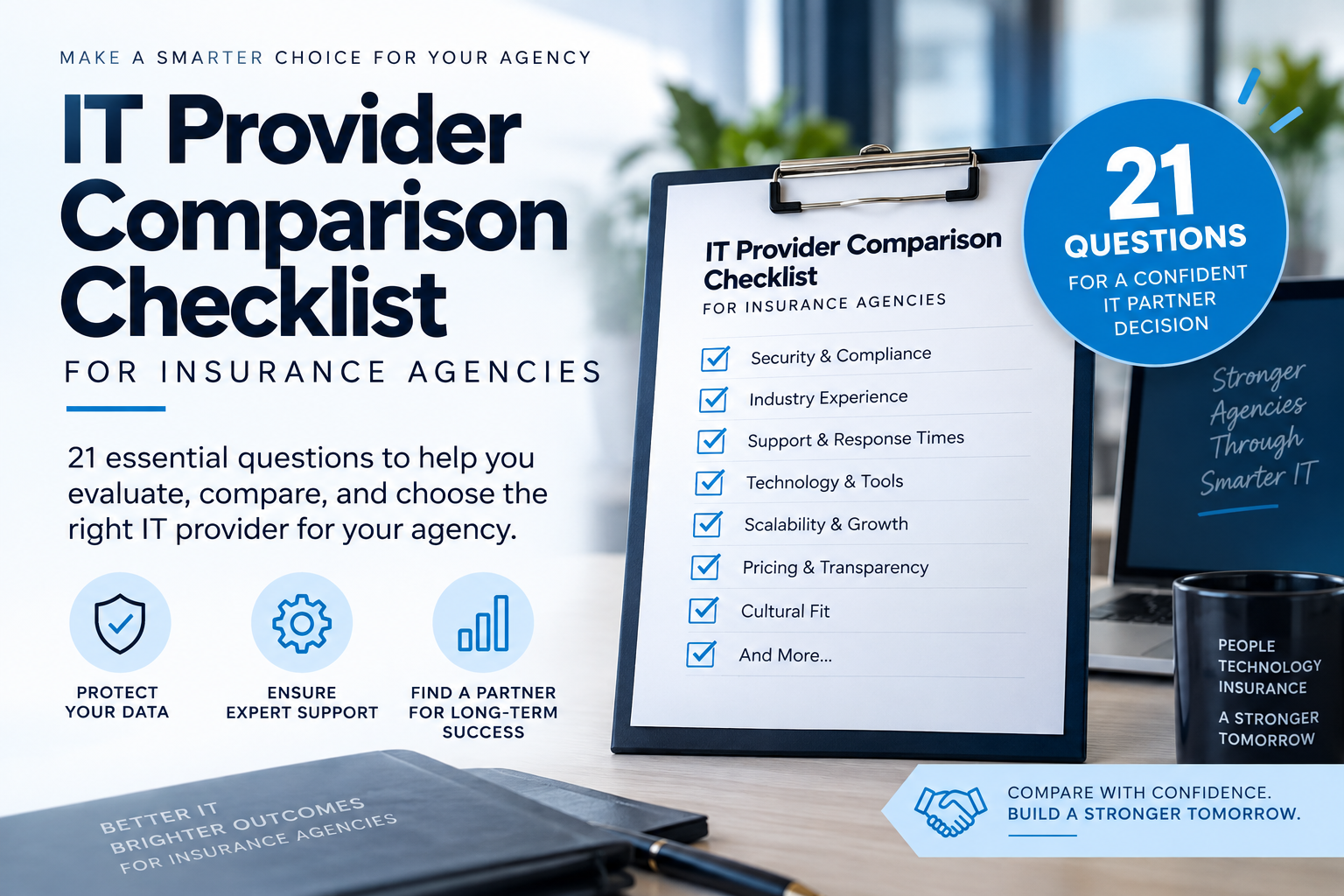
If you’re comparing more than one IT provider for your insurance agency, you already know the problem: every proposal looks different, uses different language, and promises the same vague things — “proactive support,” “enterprise-grade security,” “we’ve got you covered.” None of it tells you what you actually need to know before you sign.
Insurance agencies handle some of the most sensitive data in business — policyholder Social Security numbers, financial account details, and medical information tied to claims. A data breach, a failed backup, or an extended outage during renewal or claims season doesn’t just cost you money — it puts your E&O coverage, your carrier relationships, and your reputation on the line. We work with agencies across Northwest Ohio and Northeast Indiana, and we get asked some version of these 21 questions on nearly every discovery call. So we decided to just answer them all up front.
Onboarding & Support
1. Do you assign a dedicated technical resource and project manager during onboarding?
Answer: Yes. Every onboarding gets a dedicated project manager and technical resource assigned as your point of contact from day one.
What it means: They stay with your account until your team is fully comfortable working directly with our helpdesk — not rushed to hit a fixed timeline. Getting onboarding right is what makes everything after it work smoothly, for you and for our team.
2. Do you guarantee response times backed by real data?
Answer: Yes. Critical-issue response times are documented in writing and tied to your service level — as fast as 60 minutes on our top-tier plans. Phones are answered live by a technician 7am–5pm business days, and an answering service tracks down a technician after hours.
What it means: Response commitments scale with the service level you’ve selected, so what’s in your agreement is exactly what you can hold us to — no surprises in either direction.
3. Do you provide monthly proactive maintenance?
Answer: Yes. Patch management runs on an automated, tested rollout — updates are staged and validated before reaching your environment, with critical or urgent patches pushed immediately rather than waiting on the standard cycle. We actively track industry security alerts as they happen, not on a lag.
What it means: Every update is documented in a change log, and any manual intervention or remediation is tracked in our ticketing system — so there’s a clear record of what changed, when, and why.
4. Do you offer written service guarantees or SLAs?
Answer: Yes. Service guarantees are spelled out in writing and set based on the specific service level you purchase.
What it means: Expectations are matched to what you’ve actually signed up for, not a one-size-fits-all promise that may not reflect your plan.
Expertise
5. Do your technicians hold current certifications and ongoing training?
Answer: Yes. Our technicians hold current certifications from our core vendors, and we invest heavily in keeping the team growing — industry conferences, webinars, and peer group meetings are a regular part of how we operate, not an occasional add-on.
What it means: Technology and threats both change fast, so a certification earned years ago and never renewed doesn’t tell you much. Our team stays current because they want to — it’s also part of how we retain strong talent, since technicians who are learning and advancing tend to stay.
6. Do you have direct experience with agency management systems?
Answer: Yes. We have hands-on, verified experience supporting Applied Systems platforms with current insurance agency clients, and the range extends beyond that.
What it means: We’re not scared to support any vendor — we push back when a vendor’s support falls short, and we speak their language. Active maintenance agreements with the vendor are something we require of clients, which keeps everyone covered when something needs escalated.
7. Do you document ticket work well enough for anyone on your team to pick it up?
Answer: Yes. Technicians are required to document their work in both our ticketing system and our internal documentation system for every client — and we audit that documentation using a mix of automation and human review to make sure it actually holds up.
What it means: Documentation standards mean nothing if nobody checks they’re being followed. No single technician is a single point of failure on your account: if someone’s out sick or leaves the company, another technician can pick up an open ticket and continue without starting over.
Security & Compliance
8. Do you run security assessments on a documented, scheduled basis?
Answer: Yes — for clients on our security assessment or compliance service packages, we run scheduled assessments using third-party tools, giving you an independent set of eyes on your environment along with documented reporting.
What it means: A second, independent set of eyes catches things an internal team can miss, and the documentation means you’re not just told “it’s fine” — you get a real record you can show a carrier or compliance auditor if it’s ever needed.
9. Do you protect against invoice-fraud and wire-transfer scams?
Answer: Yes. Our security operations center actively monitors endpoint and cloud environment behavior for signs of compromise, and we harden Microsoft 365 environments specifically against these attack patterns.
What it means: Invoice fraud and wire-transfer scams usually start with a compromised or spoofed email account, so catching unusual behavior early — combined with locking down M365 settings that make impersonation harder — cuts scams off before they reach your team’s inbox. Our recent piece on the most dangerous risks hiding in plain sight breaks down how these scams are built to look like normal business.
10. Do you enforce multi-factor authentication across the network, carrier portals, banking, and email?
Answer: Yes, on everything within our control. MFA is required on all email accounts, and we’re actively rolling out device-level lockdowns as well.
What it means: Some systems — like your bank login — sit outside what we manage directly, so there we advocate and push clients to turn MFA on rather than being able to enforce it ourselves. Everywhere it’s within our control, MFA isn’t optional.
11. Do you provide advanced endpoint protection against malware, ransomware, and file-less attacks?
Answer: Yes. Our security stack layers permission controls, web filtering, endpoint protection and endpoint management, and Microsoft 365 hardening together — each layer covering what the others don’t.
What it means: No single tool catches everything, so the layers are built to complement each other rather than overlap. And it’s designed so your team isn’t handcuffed trying to get their actual work done — real security shouldn’t come at the cost of people being able to do their jobs.
12. Do you keep systems patched automatically against known vulnerabilities?
Answer: Yes — and it goes beyond workstations. Windows systems are patched on an automated, tested cycle, and firewalls and access points are reviewed and updated on a monthly cadence, or immediately when an urgent release comes out.
What it means: Patches can only apply if a computer is actually powered on — machines left shut down overnight or over a weekend are one of the most common reasons an environment that’s supposed to be “fully patched” isn’t. Network edge devices like firewalls and access points get the same discipline on a regular schedule, since they’re frequently the most overlooked piece.
13. Do you monitor the dark web for compromised credentials?
Answer: Yes, on a regular, ongoing basis — and your client experience manager reviews any findings directly with you as part of your quarterly meeting.
What it means: Credentials leaked in someone else’s breach can surface for sale and get used against your agency months later. It doesn’t sit buried in a dashboard nobody looks at — it’s part of an actual conversation with a real person on a set cadence.
14. Do you meet NAIC Insurance Data Security Model Law requirements?
Answer: Yes. Our security practices are mapped to the CIS Controls, which also align with NIST and the other major frameworks used across regulated industries.
What it means: Most states, including Ohio, have adopted some version of the NAIC Insurance Data Security Model Law. Rather than chasing each regulation separately, our program is built on established frameworks that already overlap heavily with what NAIC requires — so every piece reinforces the others instead of leaving gaps. Our article on compliance gaps that cost real money covers where agencies most often fall short.
Business Continuity
15. Do you encrypt policyholder data at rest and in transit, with remote-wipe capability for lost or stolen devices?
Answer: Yes. Every device runs Windows Pro with BitLocker encryption enabled, data lives in OneDrive and SharePoint with encryption in transit, and we manage mobile device management and remote-wipe capability through Intune and Entra ID.
What it means: If a device is lost or stolen, we can remotely wipe it before that data becomes a breach — combined with encryption at rest and in transit, so you’re not depending on getting the physical device back to keep policyholder data safe.
16. Can you show documented proof of successful backup test restores?
Answer: Yes. Our business continuity platform is backed by documented Recovery Point Objectives as tight as 15 minutes, verified through regular backup test restores.
What it means: “We monitor and test backups” is a claim a lot of providers make without proof behind it. Regular, documented test-restore results mean this has actually been verified. Our post on four expensive backup assumptions covers how often that exact assumption turns out to be wrong. A full incident response tabletop exercise — simulating a real disaster scenario end to end — is available as an add-on project when you’re ready for it.
17. Do you have a documented recovery time objective (RTO)?
Answer: Yes. Our business continuity platform is built around a documented Recovery Time Objective of approximately 2 hours.
What it means: If you couldn’t quote a policy or process a claim right now, a documented RTO gives you a real number for how fast you’d be back up — not a guess made in the moment. See why waiting until the emergency hits is too late to plan.
18. Do you actively monitor firewall intrusion detection, not just install it and walk away?
Answer: Yes. Intrusion alerts are actively monitored and managed through our MDR (Managed Detection and Response) service.
What it means: A firewall with intrusion detection turned on is only as good as someone actually watching what it flags. MDR means those alerts are reviewed and acted on continuously, not sitting in a log nobody checks.
Strategic Partnership
19. Do you review security awareness training and team security scores together?
Answer: Yes. We run ongoing security awareness training through Breach Secure Now, which tracks individual and team security scores.
What it means: Employees remain the most common way attackers get in. Reviewing actual results together — not just confirming training happened somewhere — means you know where your team’s real risk sits.
20. Do you meet on a scheduled basis to review the client’s technology roadmap and budget?
Answer: Yes. Quarterly meetings with your client experience manager continue throughout the year, and one of those is elevated into a more detailed annual planning session covering technology budget for the year ahead and business growth strategy.
What it means: The quarterly touchpoints keep things on track day to day, but the annual session is where the bigger picture gets built — real planning around where your agency is headed and what technology needs to support that growth. Our piece on six questions smart companies ask their IT provider every quarter covers what that conversation should include.
21. Do you manage your AMS and carrier-portal vendor relationships on the client’s behalf?
Answer: We work with your AMS and carrier-portal vendors alongside you — not instead of you. We don’t allow finger-pointing between us and them, but getting things resolved quickly sometimes needs your help too, like authorizing us on the account or joining a call.
What it means: Our default assumption is that it’s our problem to solve, not yours — so you’re not stuck being the go-between sorting out whose fault something is. But it’s a partnership, not a black box you never have to touch.
Bonus: Does your IT provider carry their own cyber liability coverage?
Answer: Yes. TTechT carries cyber liability coverage through a dual-claims coverholder program underwritten through Lloyd’s of London.
What it means: Most IT providers don’t bring this up, but it’s worth asking. Under a standard insurance setup, the IT provider and their client are typically insured by two separate carriers with two separate incentives — a structure that can create conflicts of interest and slow down payouts after a cyberattack. A dual-claims coverholder model insures both parties under the same program, removing that conflict. It matters because the industry-wide track record isn’t great: roughly 4 in 10 cyber insurance claims filed in 2024 were rejected. Under this program, 100% of claims filed in 2024 and 2025 were covered.
Twenty-one questions — twenty-two counting the bonus — is a lot to hold in your head during a sales conversation. We built a free interactive scorecard so you can run this exact list against every provider you’re evaluating and see the results scored automatically. Download the scorecard here.
Call us at (419) 678-2083 or visit www.TomTechToday.com/discoverycall to schedule yours.